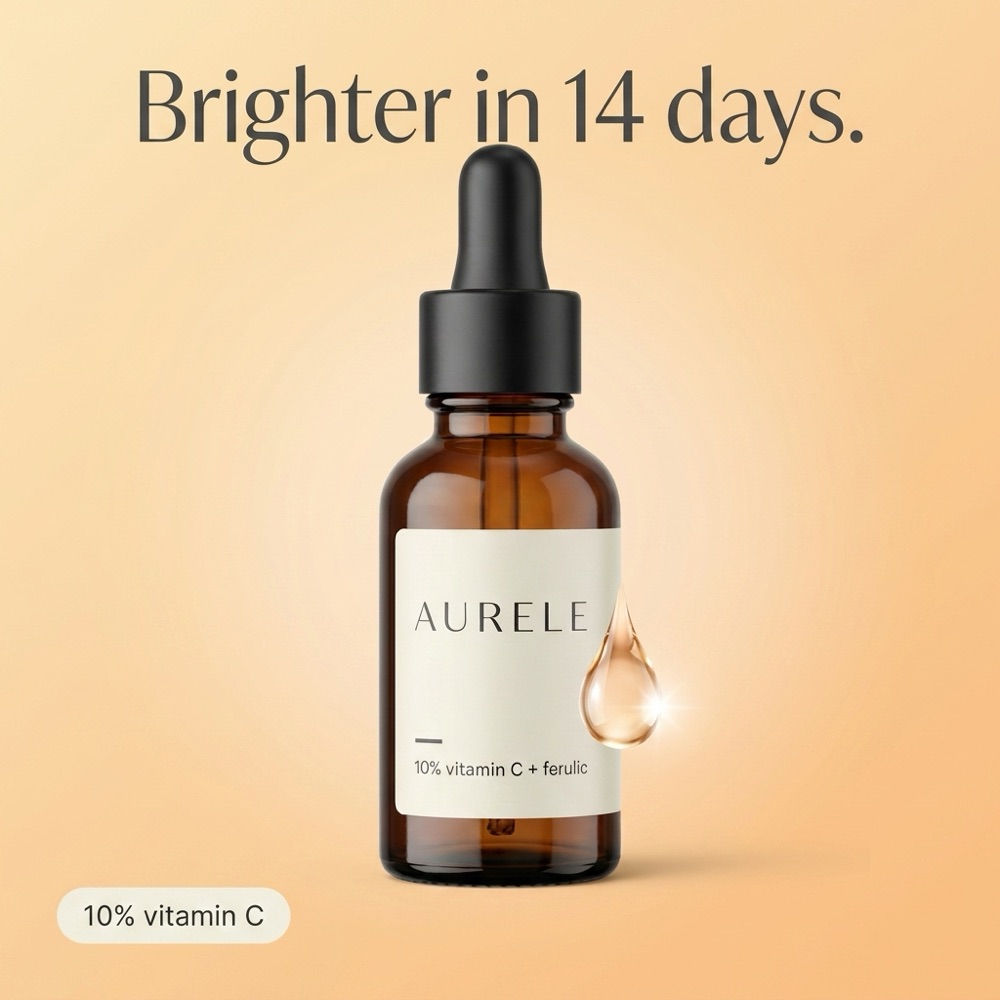
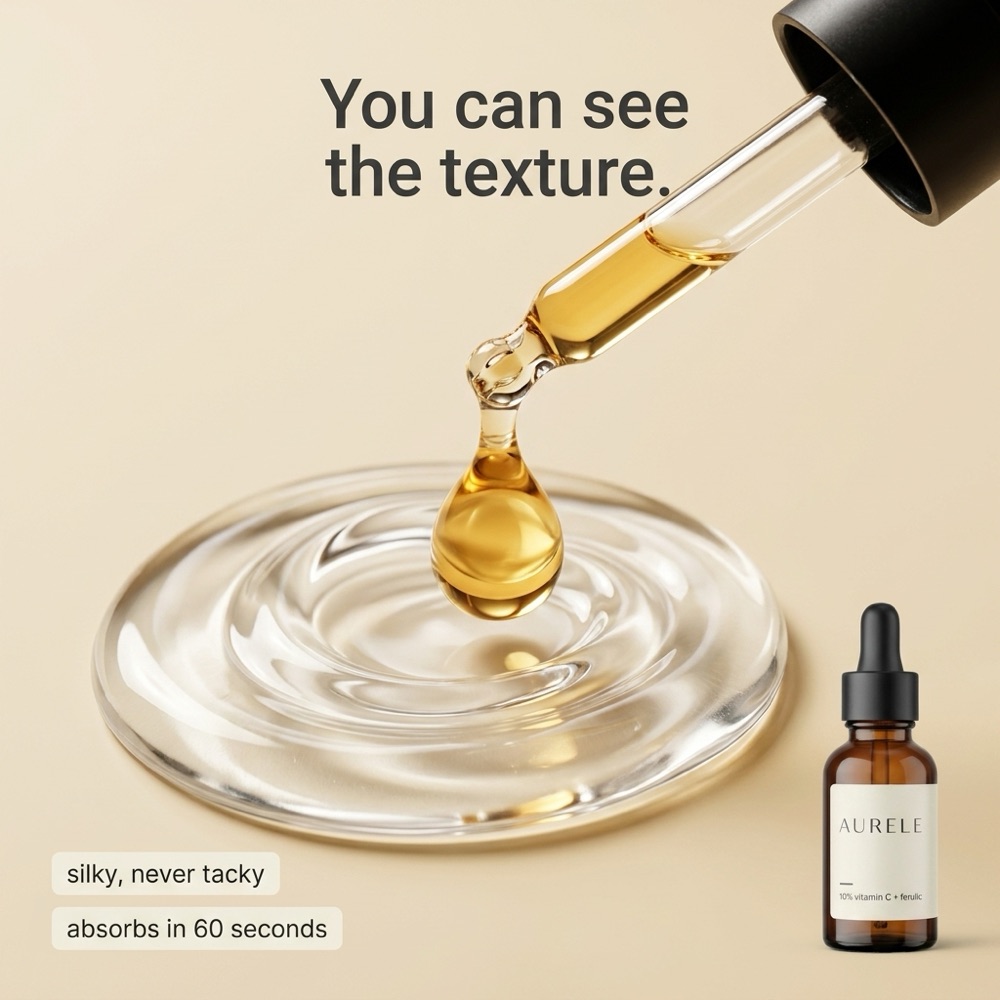
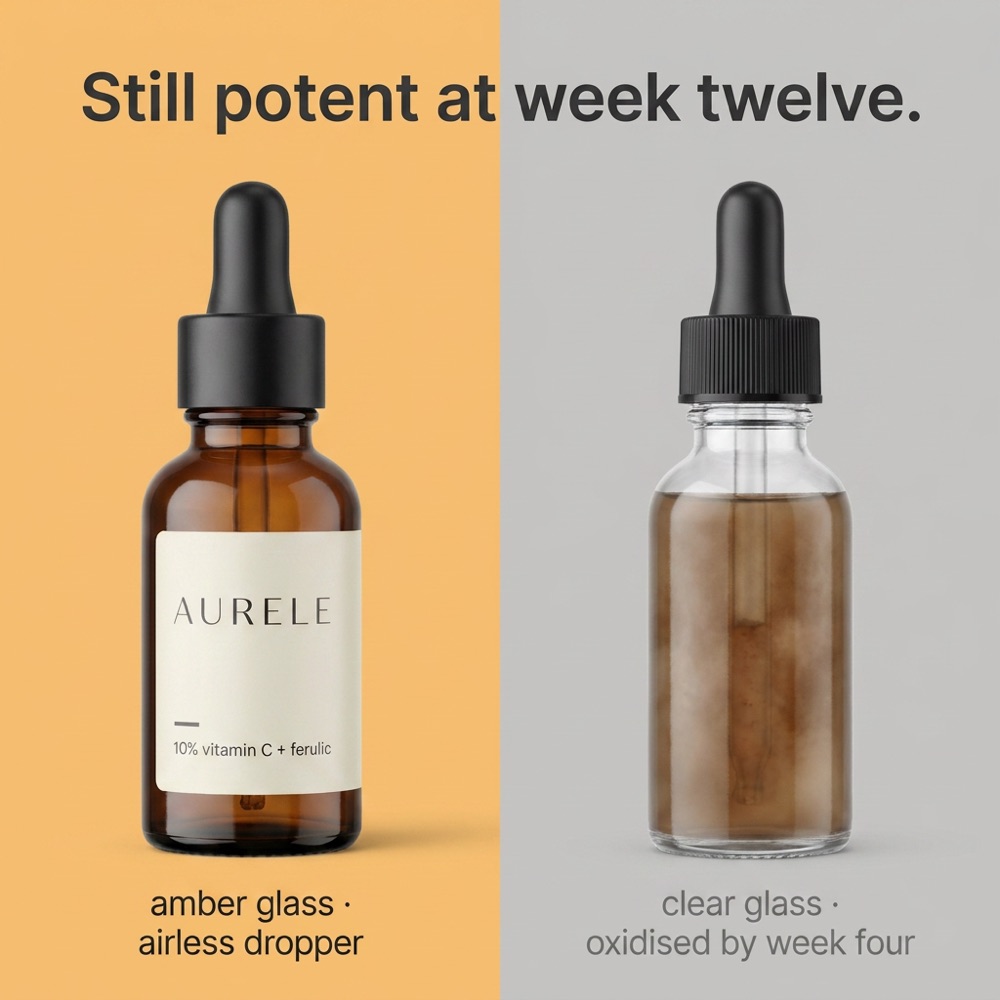
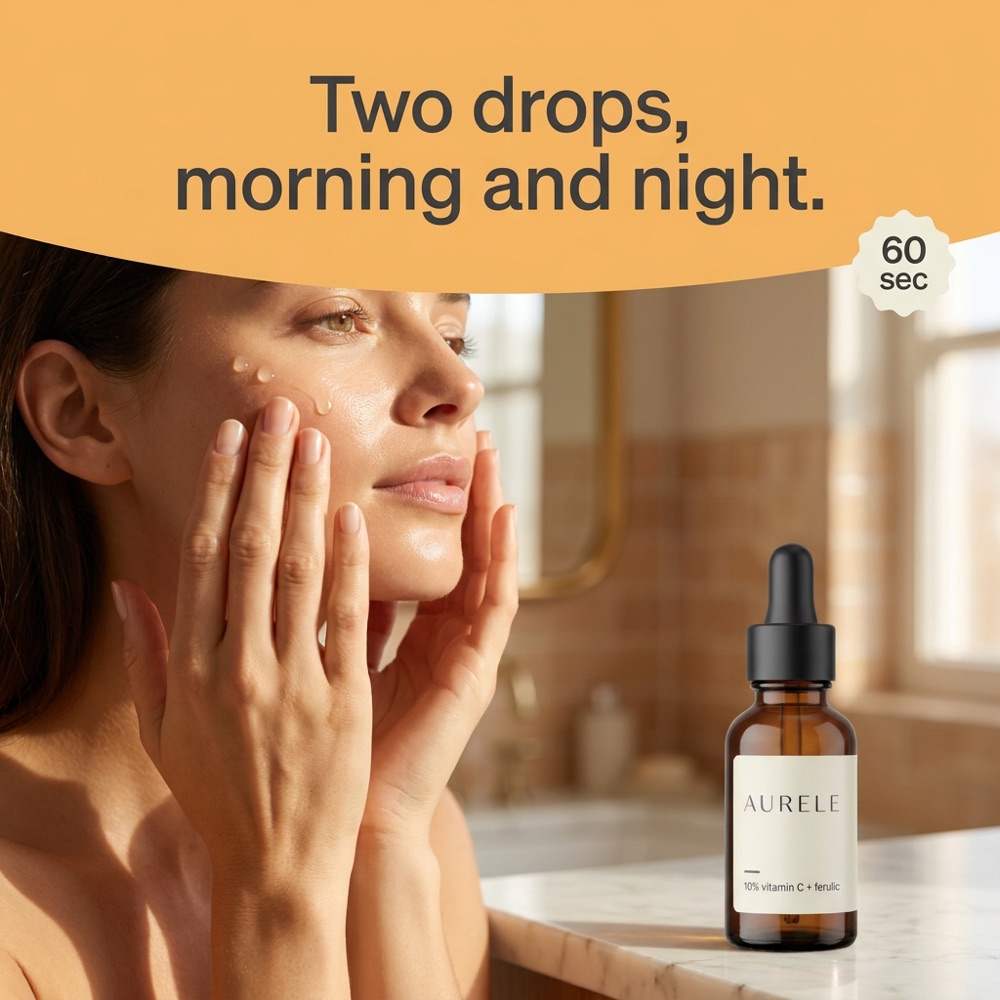
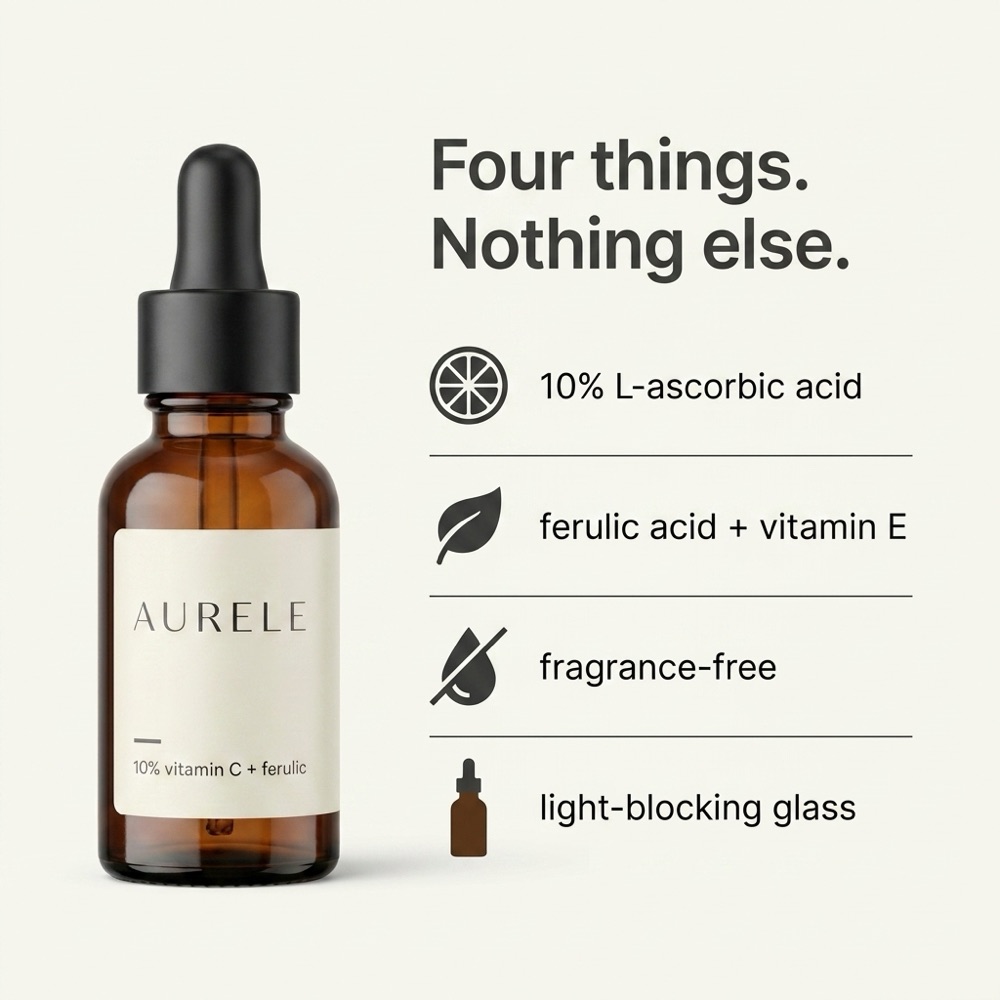
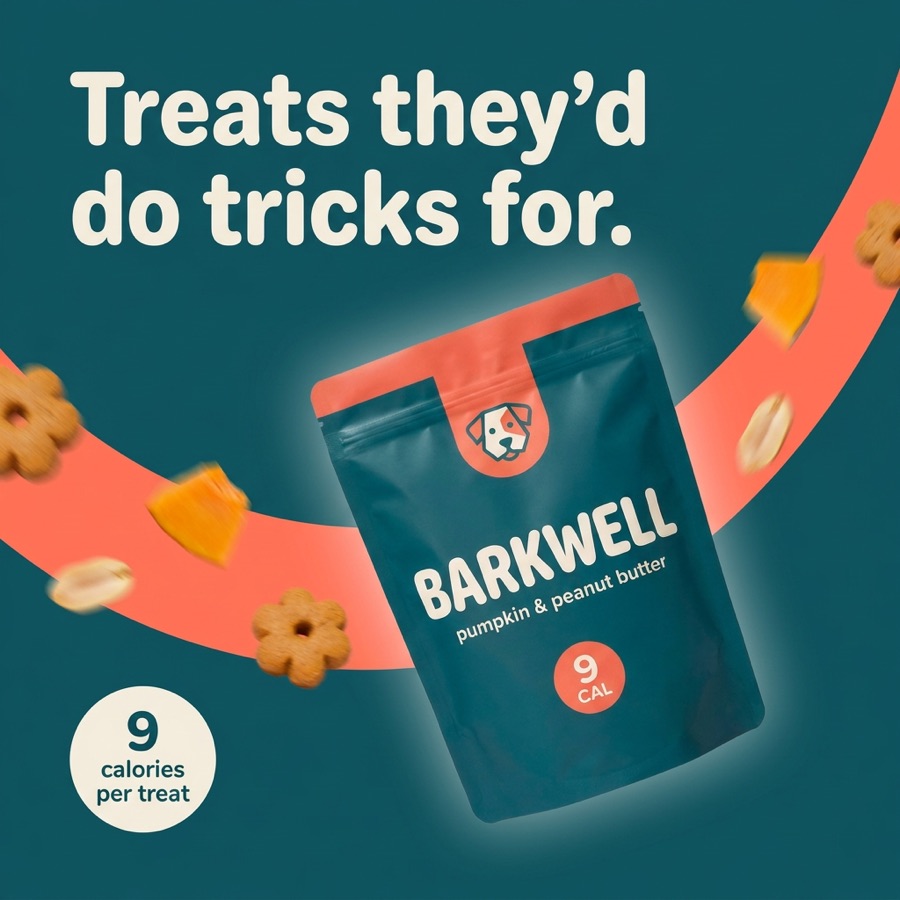
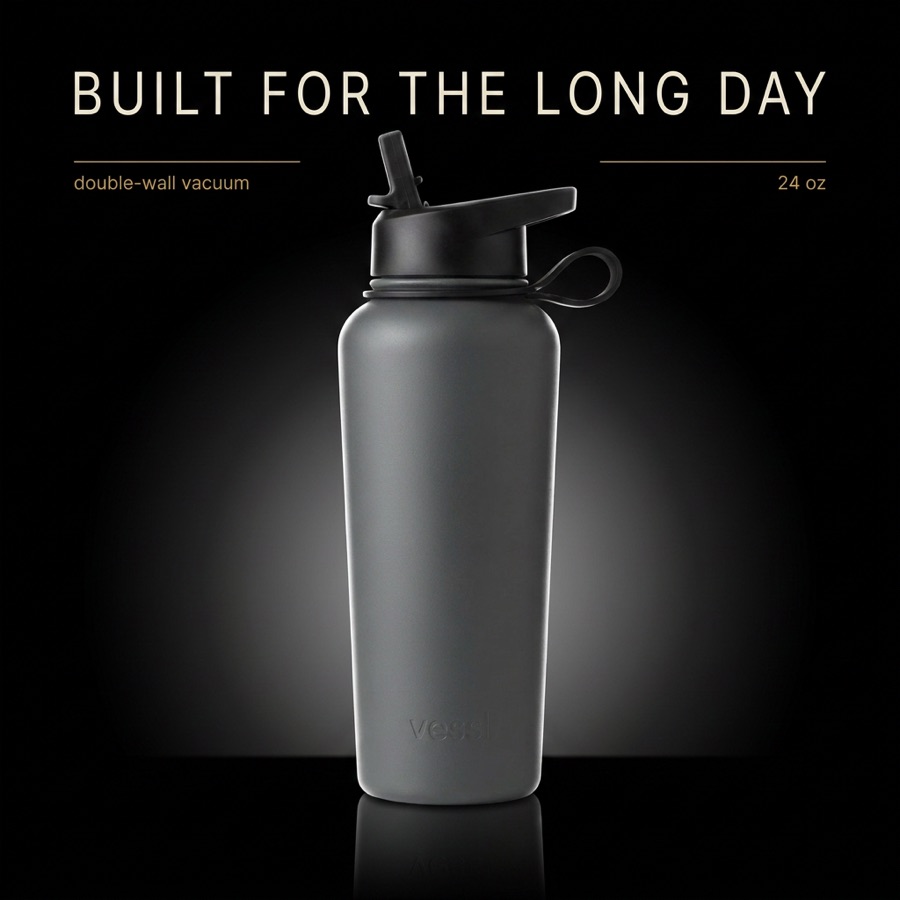
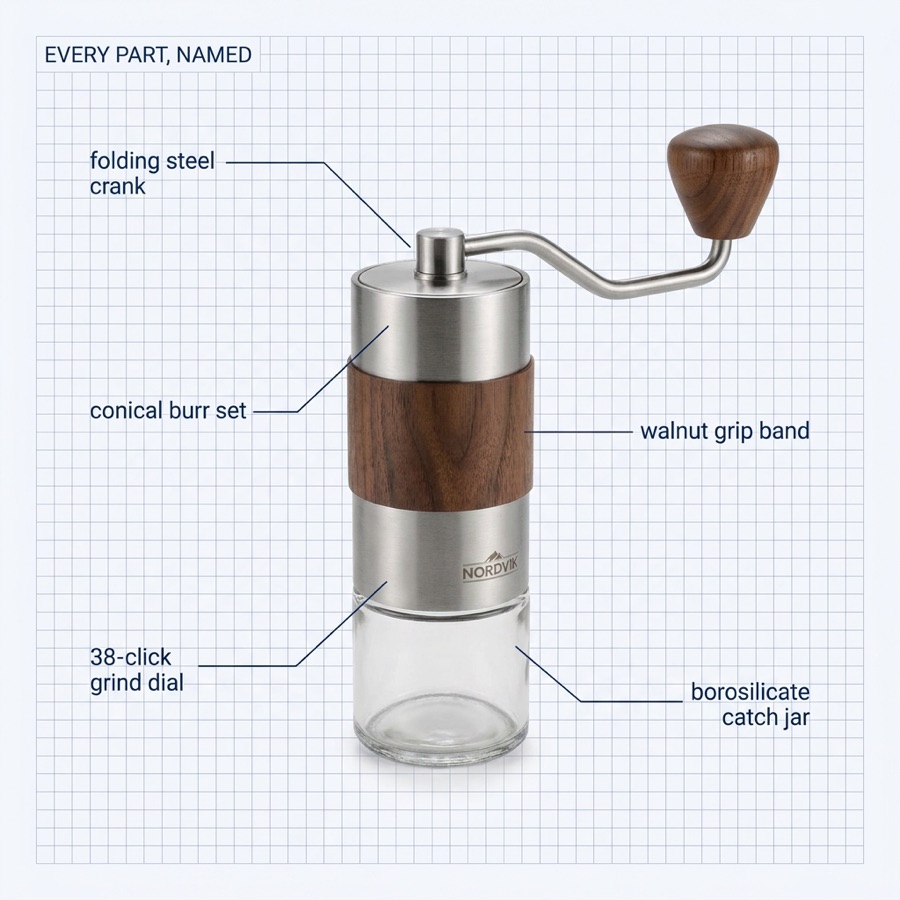
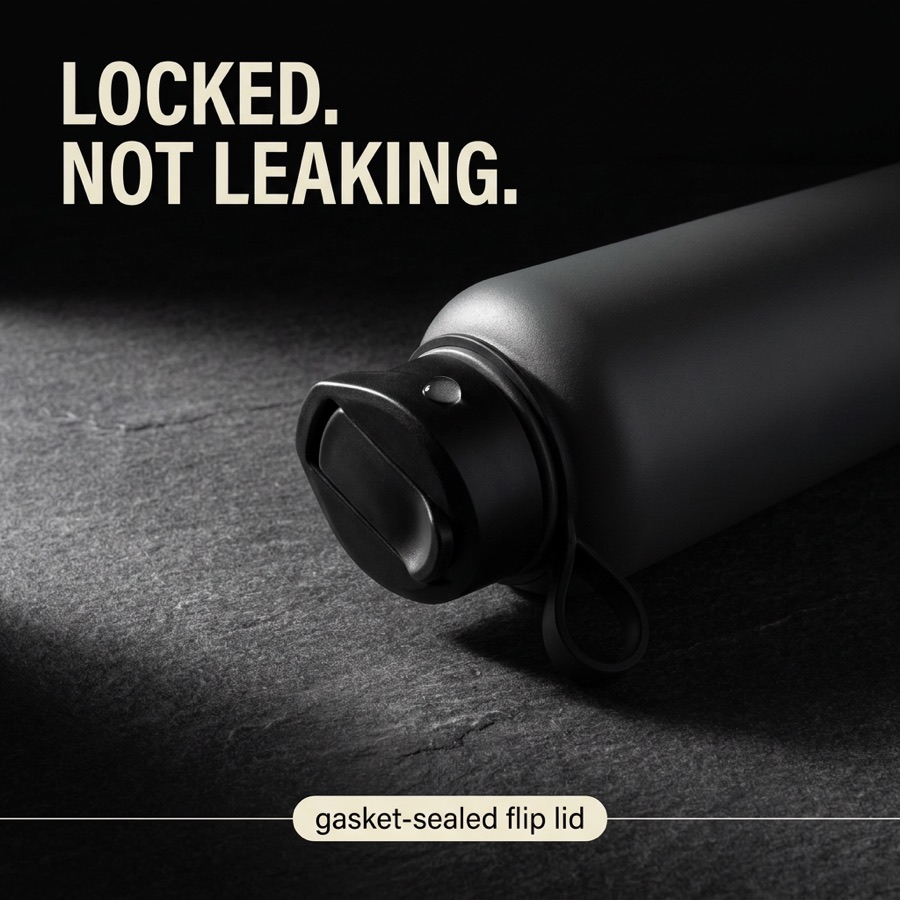
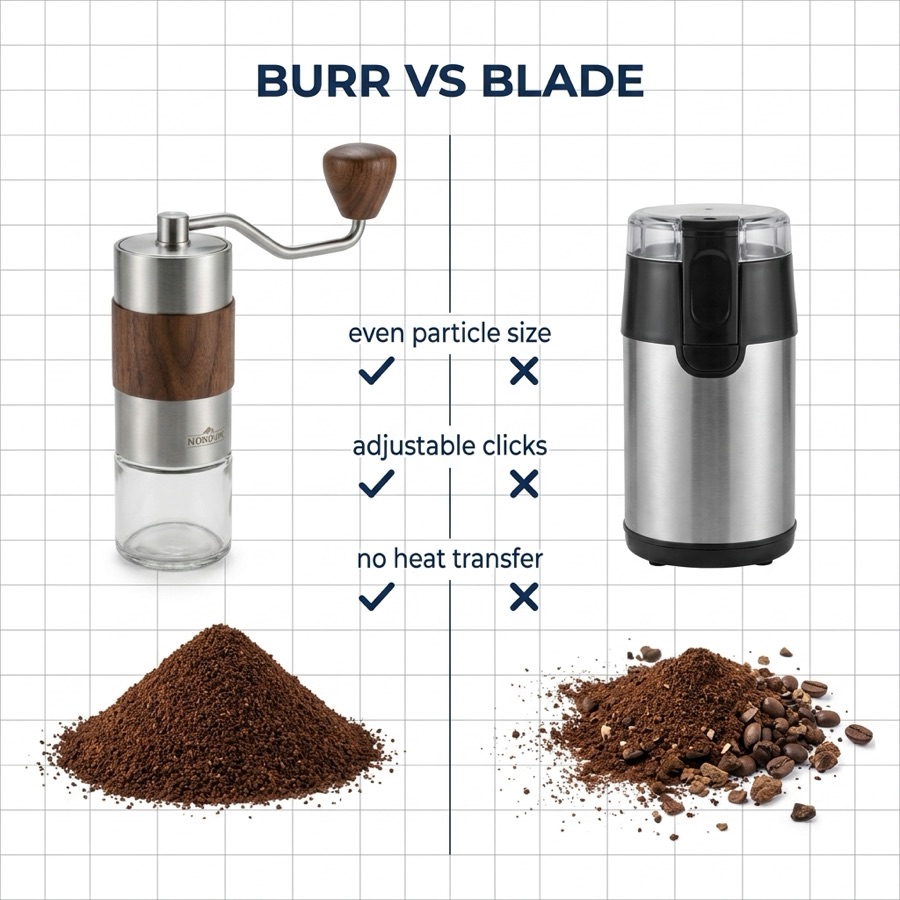
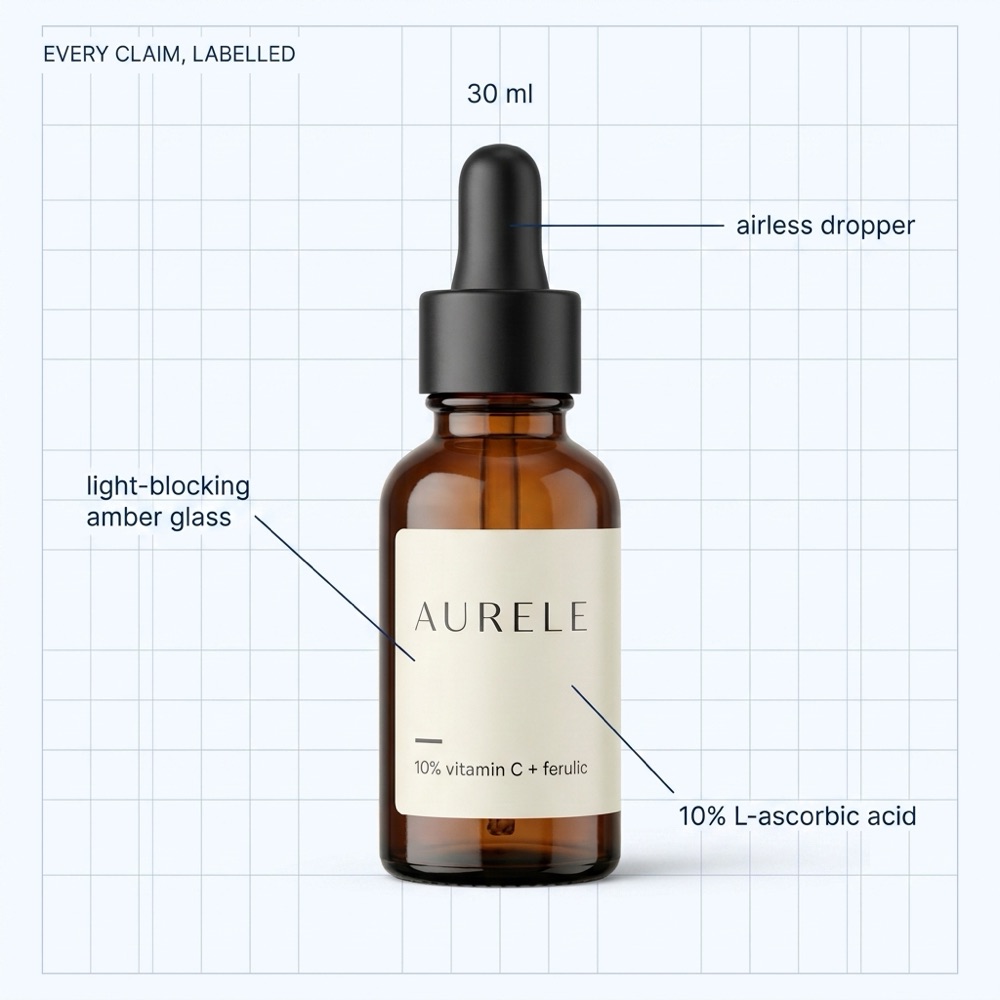
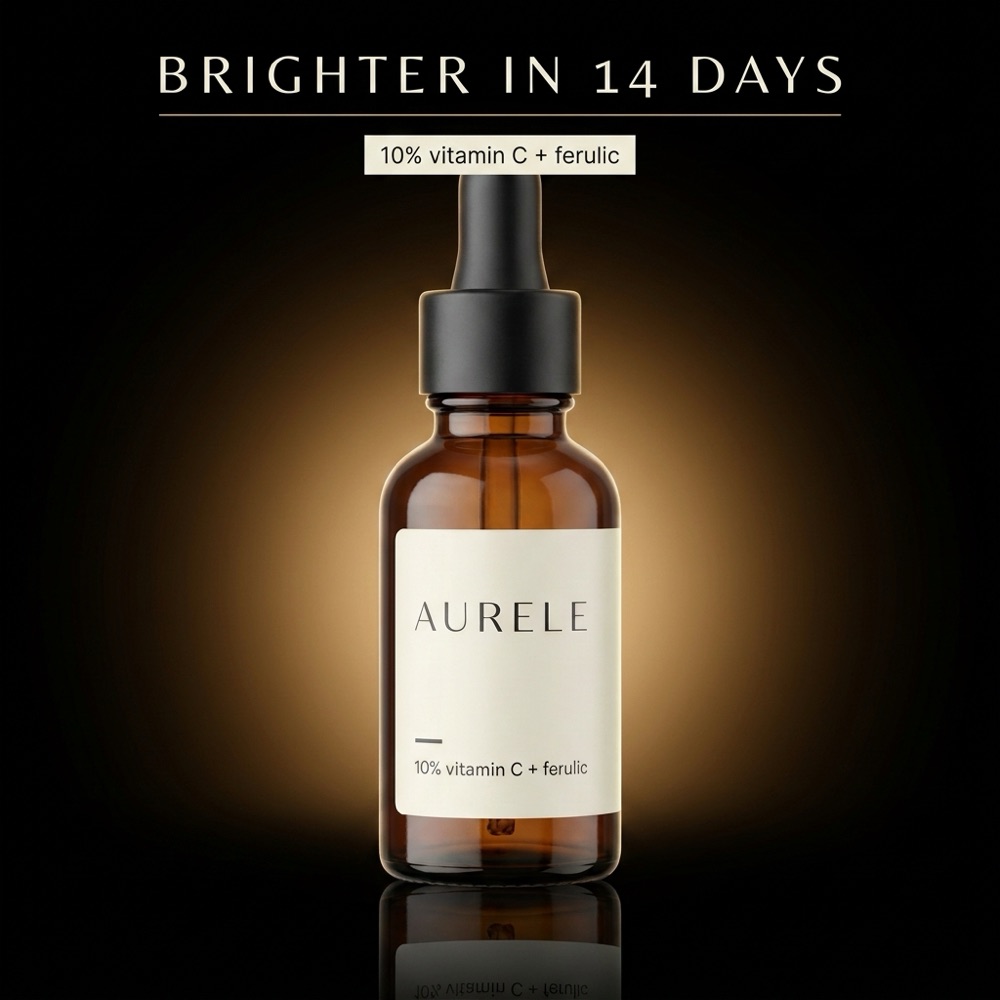
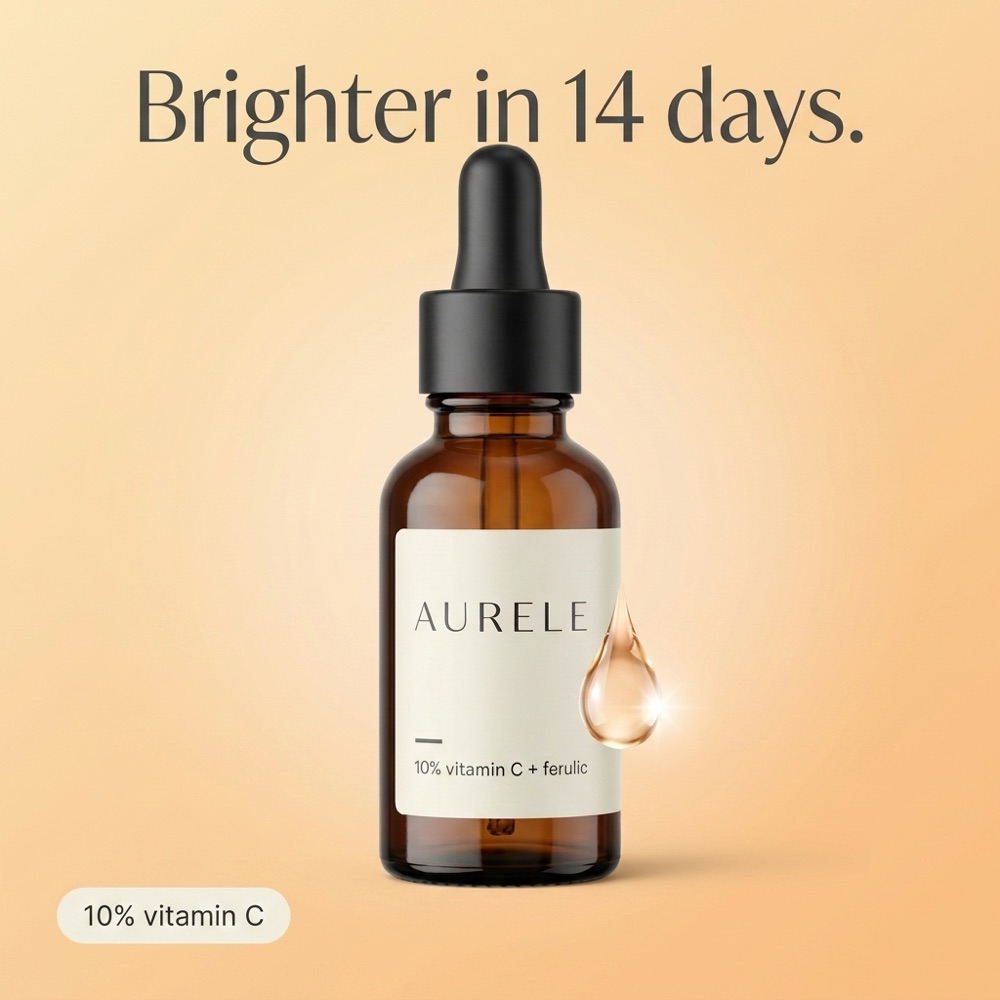
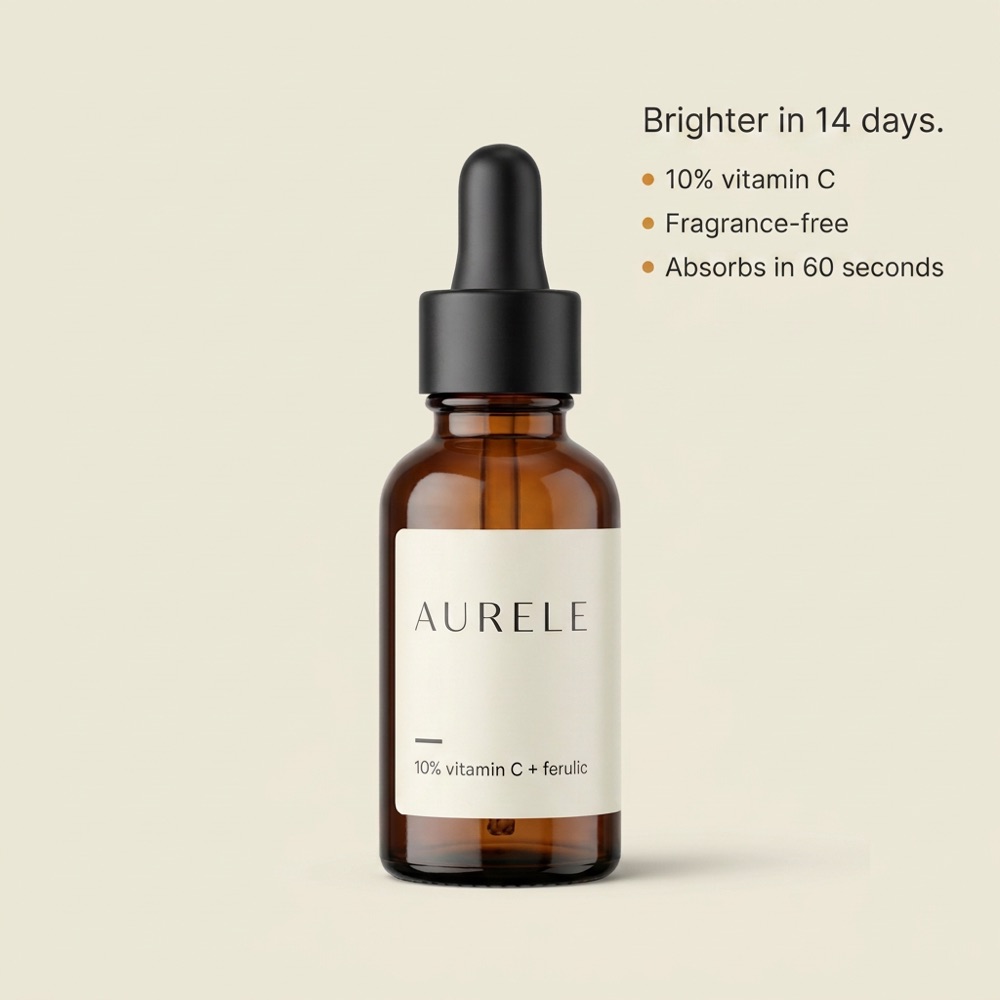
research-first listing images

Paste an ASIN. Get listing images that argue.
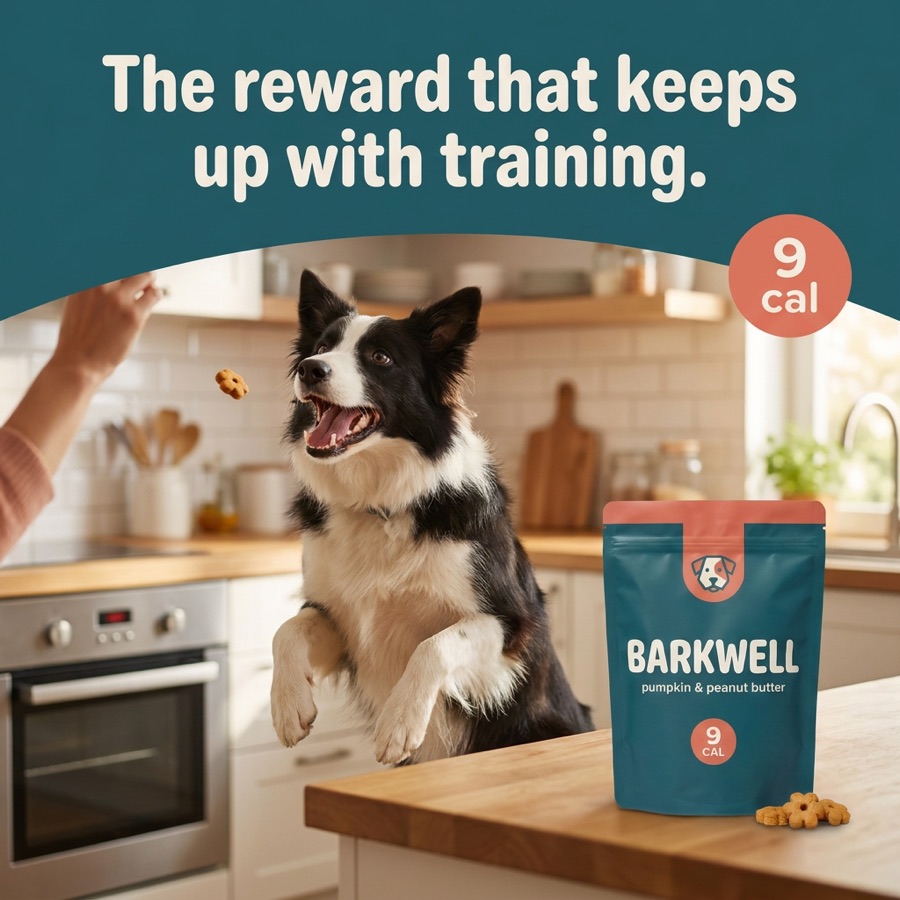
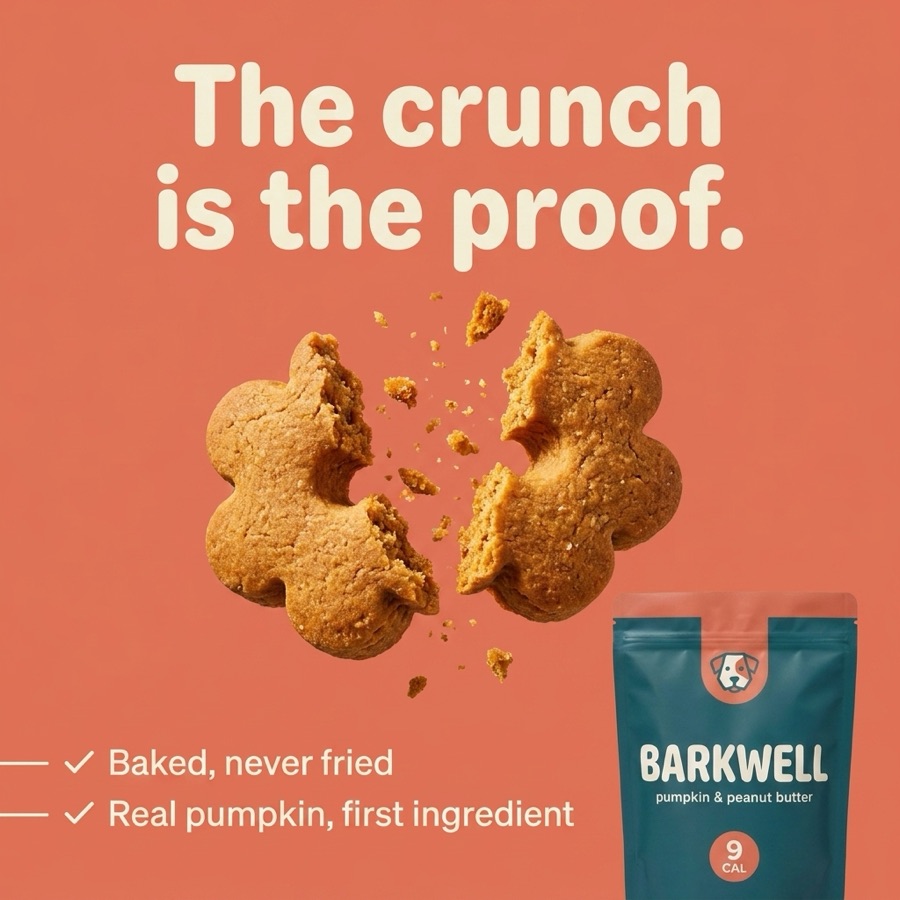
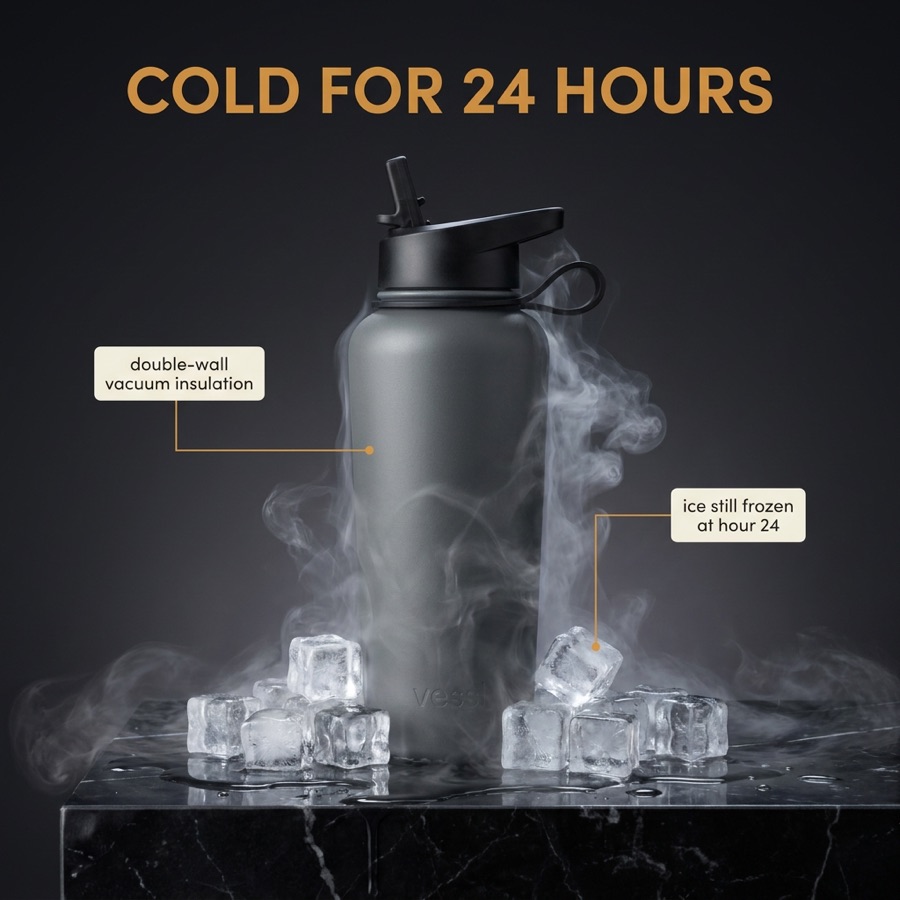
Graflio reads your Amazon listing and its reviews, studies the best sellers next to you, mines real pain points and USPs — then renders a consistent set of seven infographics in your brand style. Every image stays editable.
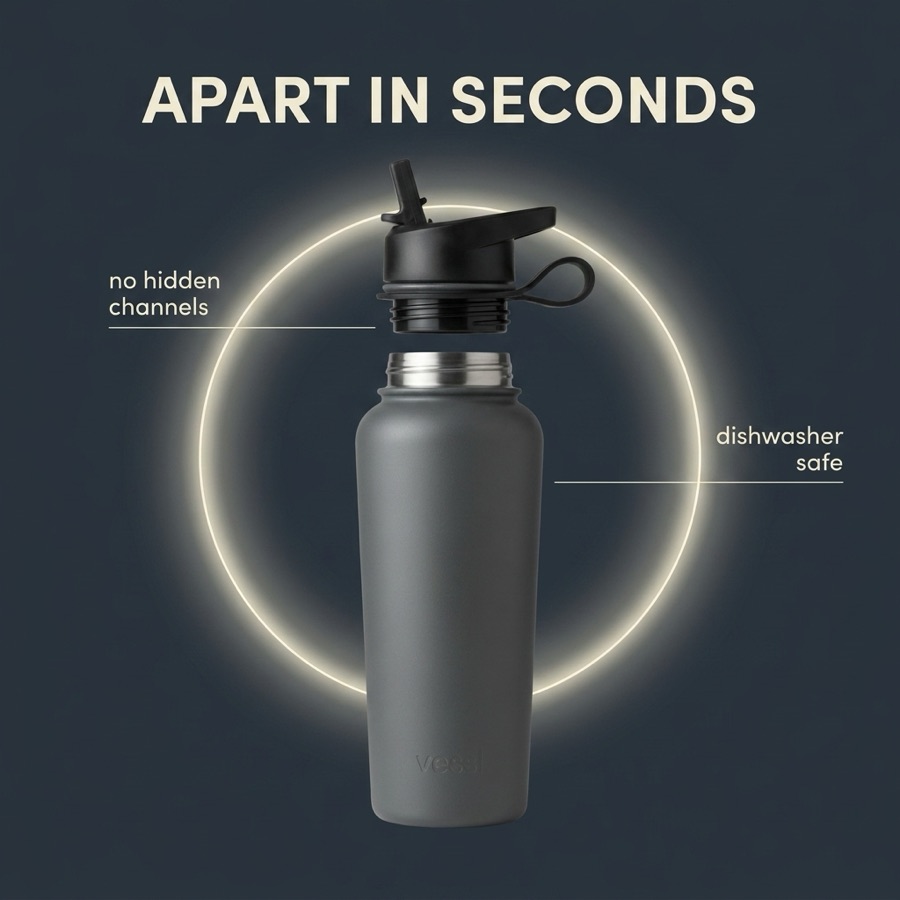
✳ Research + 7 finished images while you do something else

Finished infographic
Plain product photo
◂ ▸
Before After

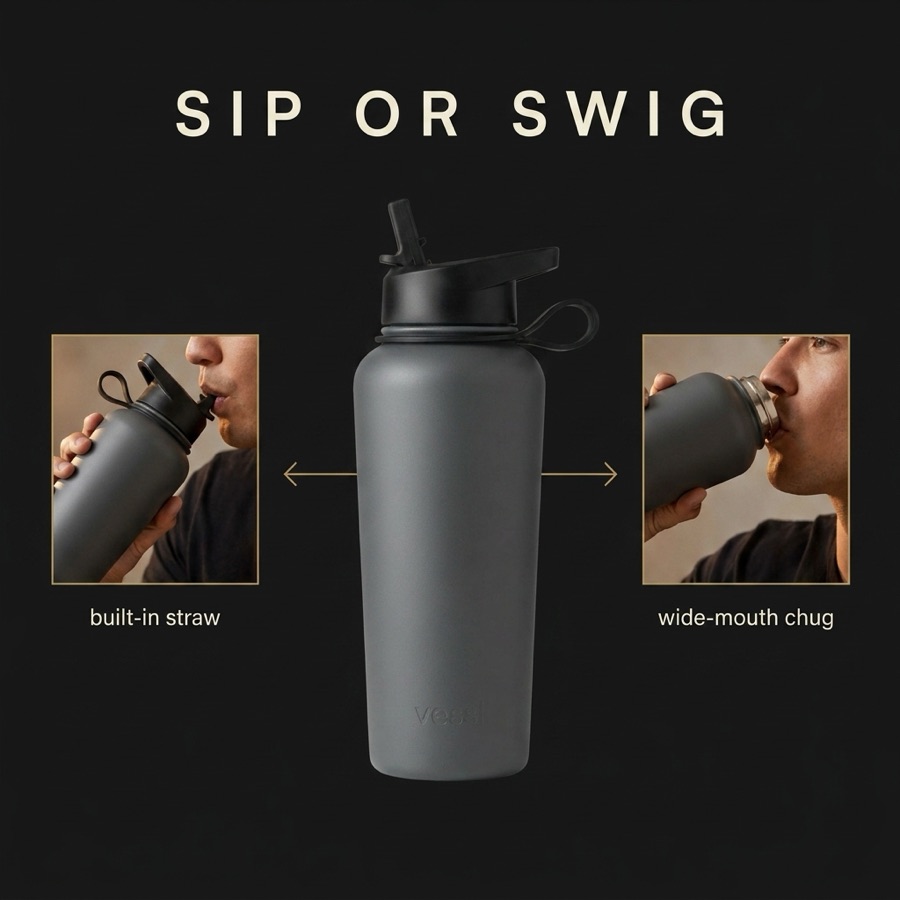
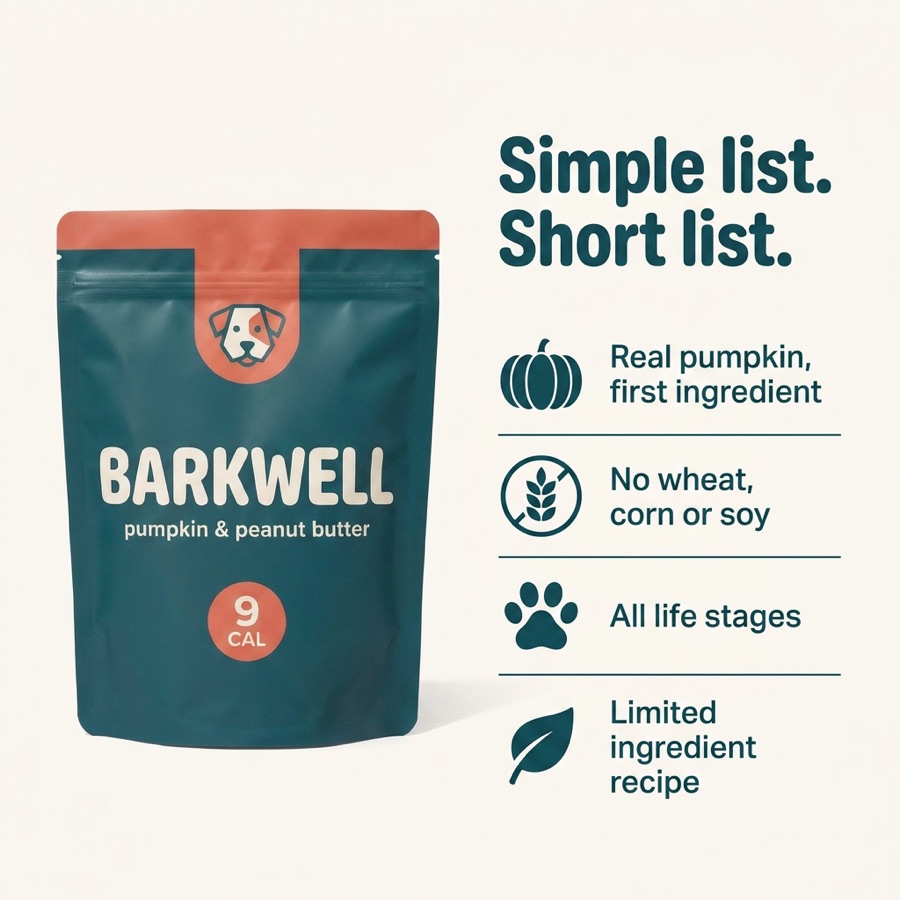
Drag the handle — a plain gallery photo becomes a listing image that answers questions before they’re asked.

Create marketing content for all the platforms you sell on

Amazon eBay Etsy Shopify WooCommerce TikTok Instagram Meta OTTO Kaufland Zalando Shopware Miravia Wallapop Cdiscount Fnac Leroy Merlin bol.com Allegro Decathlon
who it's for

Built for people who sell

Amazon sellers

Fill all 7 image slots and A+ Content with visuals that rank and convert.

Shopify & online shops

Explain features on the product page before doubts become abandoned carts.

D2C brands

Keep every image on-brand with your logo, your colors and your fonts.

Marketing teams

Ship localized visuals in minutes, not design sprints.

why images win

Your images do the selling

+35%higher conversion with infographics
93%of buying decisions are visual
80%of shoppers only look at the images
2.5×more engagement than plain photos
workflow

How it works

01

Add products

Paste one ASIN or twenty — listings, photos and reviews import themselves while research runs in the background.

02

AI does the research

Competitors from the best-seller list, pain points mined from real reviews, USPs with evidence — and a script for every image.

03

Render the set

Seven infographics in one consistent style, locked to your brand kit — logo, colors and fonts on every image.

04

Refine & download

Redo any image — plain or with a comment — flip between versions, polish it in the Studio, then download your picks as a ZIP.

the studio

Point at anything. Say what changes.

Open any image in the Studio: highlight an area and tell the AI what to change, make every text editable with one click, or translate the whole design to 13 languages — nothing else moves.

Open the app
AI model shot
Plain product photo
◂ ▸
Before After
infographic ideas

Six infographic types, one canvas

Feature callouts

Pin 3–4 benefit-led claims to the exact spot on the product that proves them.

⇤⇥

Dimensions & size

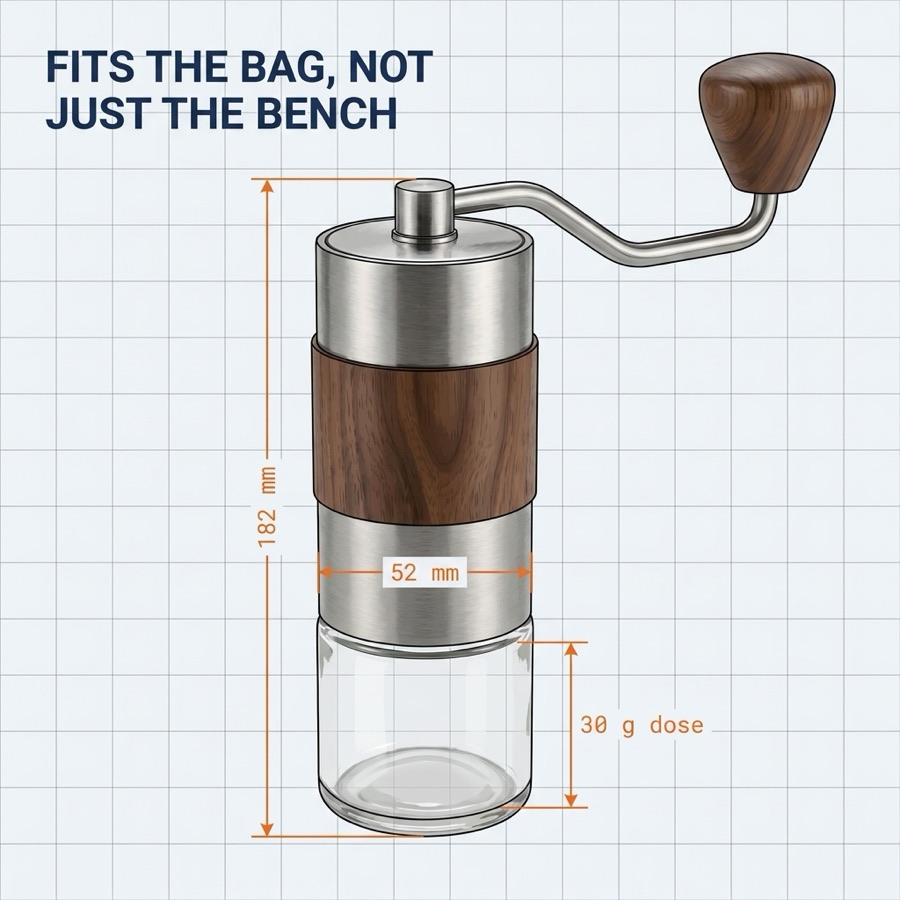
Dimension arrows and real measurements kill guesswork — and size-related returns.

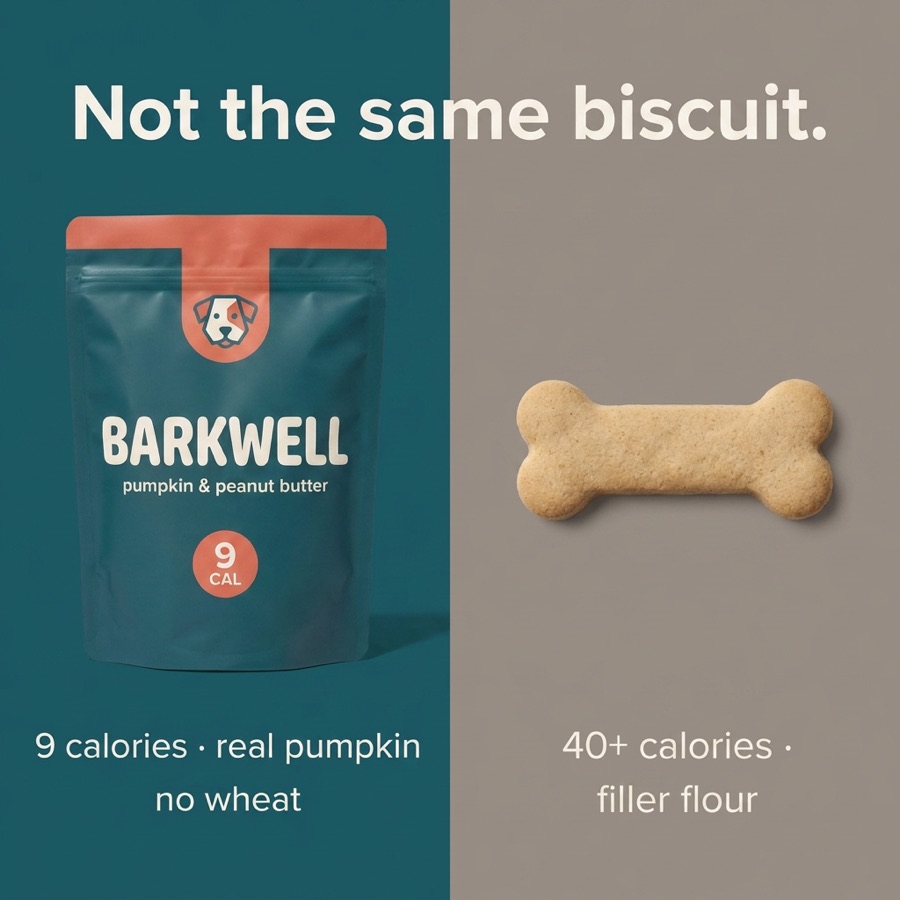
Comparison

Your product next to the alternative, argued in a table buyers actually read.

Close-up details

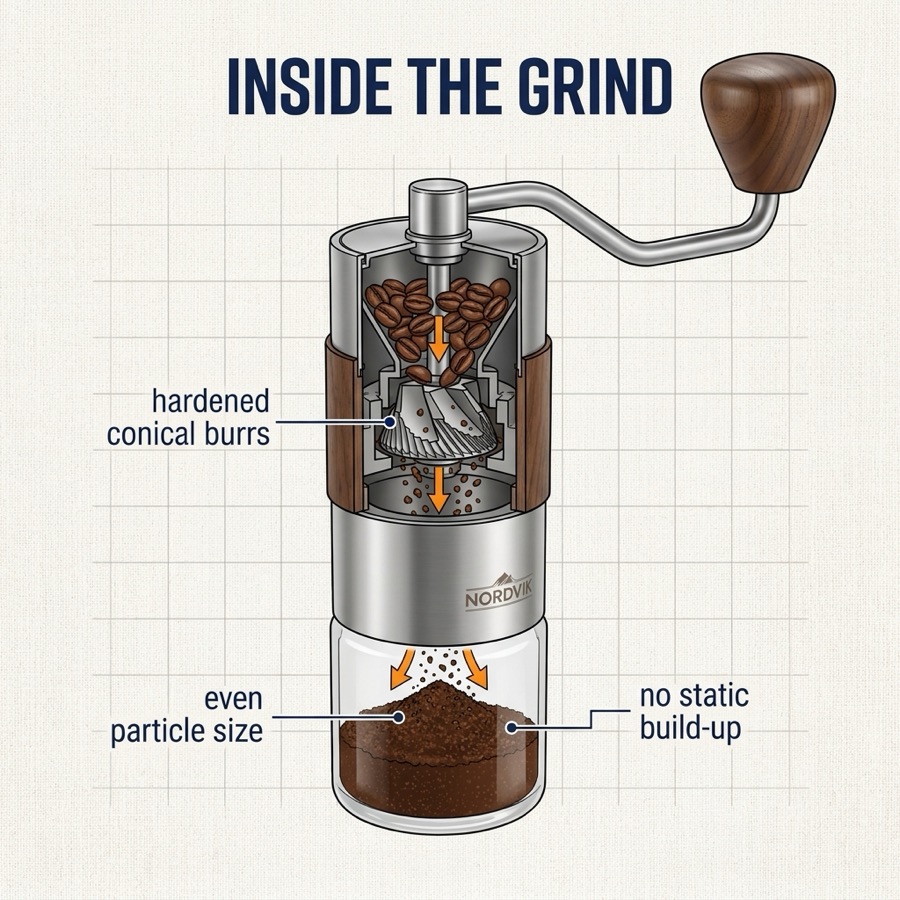
Magnified crops of texture, stitching or mechanisms that plain photos can't sell.

Benefits

Lifestyle framing that shows the outcome, not just the object.

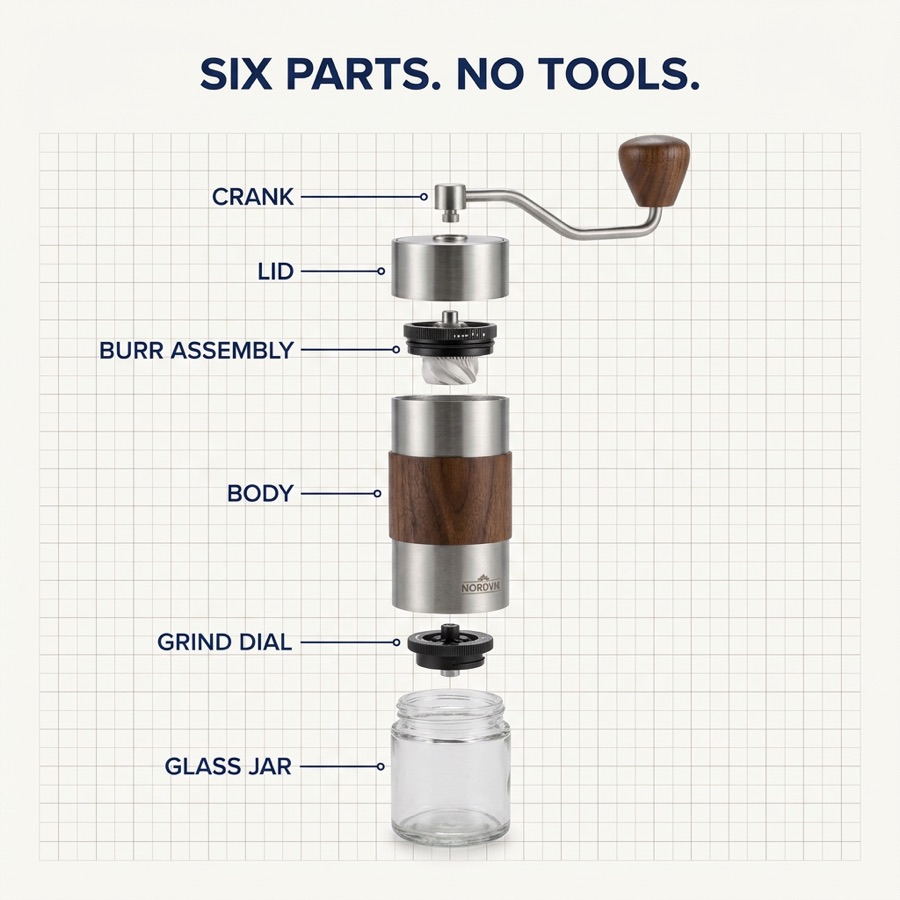
What's in the box

Everything in the package, laid out — no “where's the cable?” reviews.

the toolkit

Everything you need

Review-mined research

Pain points and USPs extracted from your reviews and your competitors’, each with the quote that proves it.

Brand kit

Your logo, your colors and your fonts applied to every generated image automatically.

Versions & redo

Redo any image in one click — or with a comment like “make the headline navy”. Every version is kept; flip between them with arrows.

AI spot edit

Highlight an area with a brush or rectangle, type what should change — the rest of the image is untouchable.

Editable text & translation

One click separates every headline and callout into editable text layers. Another translates the whole design to 13 languages.

Pick your engine

Nano Banana Pro, GPT Image or Grok — generate the same set with different engines and keep the winner.

channels

Wherever you sell

Amazon

Seven image slots and A+ Content — fill every one with a visual argument that ranks and converts.

Shopify & online shops

Product pages that answer objections on sight, before your support inbox has to.

Social media

Square, bold and phone-readable — made for Instagram, Pinterest and product ads.

showcase

Made with Graflio

answers

Questions, answered

Is it really free?

New accounts start with free welcome credits. Research costs 1 credit per product, images 2 each — you always see the price before you click.

Do I need design skills?

No. The AI proposes a finished layout; you only tweak what you want to change.

Are the images Amazon-compliant?

Exports are 2160×2160 px squares that satisfy Amazon's image guidelines for listings and A+ Content.

Which languages does it work in?

Images render in your listing’s language automatically — and any design translates to Spanish, English, German, French, Italian and 8 more with one click.

Can I edit the result in Canva or Photoshop?

Yes. Export an editable SVG for Canva and Illustrator, or a layered PSD for Photoshop.

Where do the product photos come from?

Straight from your listing gallery, your own uploads, or AI-generated model shots.

Can I use my own photos?

Of course — open any image in the Studio and build on top of it, or replace the photo entirely.

Does it work for A+ Content?

Yes. The 2160 px square exports drop straight into A+ modules; wide A+ formats are on the roadmap.

Do you store my product data?

Your products, research and generated images are stored privately in your account. Delete a product and everything about it — files included — is removed.

Your next listing image is one ASIN away

Start researching — free credits included